
When you are searching for how to create a brochure on the Internet, you’re probably looking for an easy step-by-step guide to help you get started. Personally, I love creating brochures and have some experience in designing, writing, and even physically manufacturing the final product.
There are many reasons why you might want to create a brochure to present information to people who are interested in what you do. Of course, you could hire someone to create your brochure for you, but as long as you have a computer and a bit of time on your hands, it’s possible to create a professional-looking brochure.
It’s time to figure out how to create a brochure for any product, service or event you want to advertise.
Step 1: Decide how you want to get creative with the brochure

If you would like to use a template to create your brochure, make an online search for “brochure template” or “brochure maker”. You should find different options that will allow you to create a professional-looking brochure, even if you don’t have any design skills.
Of course, you can also find brochure templates on any version of Microsoft Word you are using. All you have to do is choose a template you like, and customize it with your own pictures and text.
Step 2: Start by customizing the brochure page layout
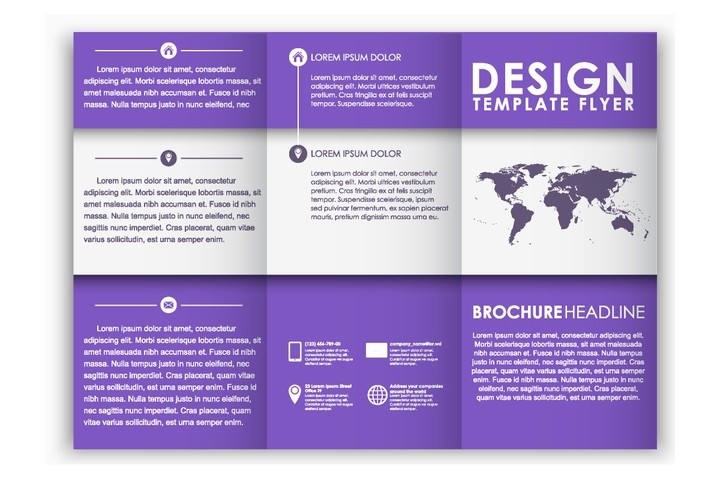
If you want to create a brochure from scratch, it’s possible to do so. Start by customizing the page layout of a Word file, and separate it into 3 columns. A standard brochure is printed on both sides of a piece of 8 ½” × 11″ paper that will be folded in 3 parts.
Step 3: Design your brochure

No matter how you want to get creative, what matters is that you take time to figure out what you want to add to each part of your brochure. Now that you have a template or a blank layout, it’s time to design your brochure. When designing a brochure, make sure you think about how it will be displayed. Your goal with the design is to increase its visibility in a brochure holder and capture people’s attention.
Step 4: Write the text of your brochure
The first thing you should do is write the text of your brochure. You probably want it to convey a lot of information, but keep in mind that if you add too much text to each section of your brochure, the people you give them to might lose interest, and not want to keep reading.
Dividing your text into bullet points is a good way to share important information without making the readers of your brochure feel overwhelmed.
Be sure to proof read your text before you add it to your brochure. Nothing looks more unprofessional than a lot of typos.
Step 5: Choose great visual elements for the brochure

An easy way to make people want to read your brochure is to add great visual elements to it. It could be photos, illustrations, or graphics that complement your text, or represent your products or services.
Be sure to choose high quality images, because blurry photos or illustrations that are too small and need to be enlarged will not look good in your brochure.
Step 6: Decide on a colour theme for the brochure
Even if you love colours, don’t go overboard with them. Choose maybe 2 or 3 colours that go well together, and use them for the headers of your text, or to emphasize a section of your brochure.
If you are not sure which colour to choose, you could find inspiration in the colours of your logo, or in one of the photos you will add to your creation.
If you want to add a coloured background to your brochure, keep in mind that your text needs to be easy to read. If your background is dark, choose a lighter colour for your text.
Step 7: Choose the right fonts in the brochure

Your text needs to be easy to read against your background, but you also need to make sure the fonts you choose for your brochure are not making it difficult to read it.
Just like you shouldn’t choose too many colours, don’t choose too many different fonts. Ideally, you should have one simple font for your text, and another font for your titles and headers. If you feel like adding more fonts to your design, make sure you have a good reason to do so.
Step 8: Consider full bleed printing

Most printers will leave a white border around the documents they print out. That happens because they are not able to print up to the edges of the paper. If you don’t want your brochure to have a white border, consider full bleed printing.
Full bleed printing involves designing and printing a slightly larger image, and then trimming off the white borders. If you are considering printing your brochures at a copy shop, be sure to ask them about full bleed printing.
Step 9: Print out a brochure copy to make sure everything looks fine
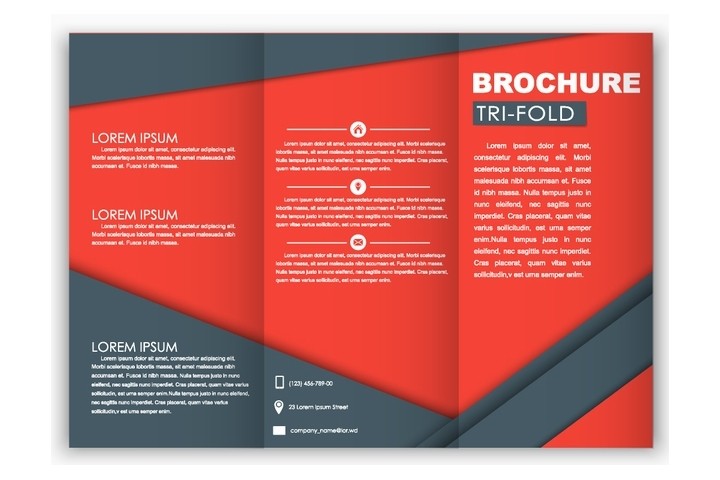
Whether you want to print out your brochure from your home printer or business printer, or you want to use the services of a copy shop, start by printing out just one copy. Fold it, and take a good look at it to make sure everything looks alright.
If your brochure looks exactly like you wanted it to, you officially know how to create a brochure from scratch. Congratulations, go ahead and print as many copies as you need!